







How to Use Your Quilted Joy Gift Registry or Wishlist
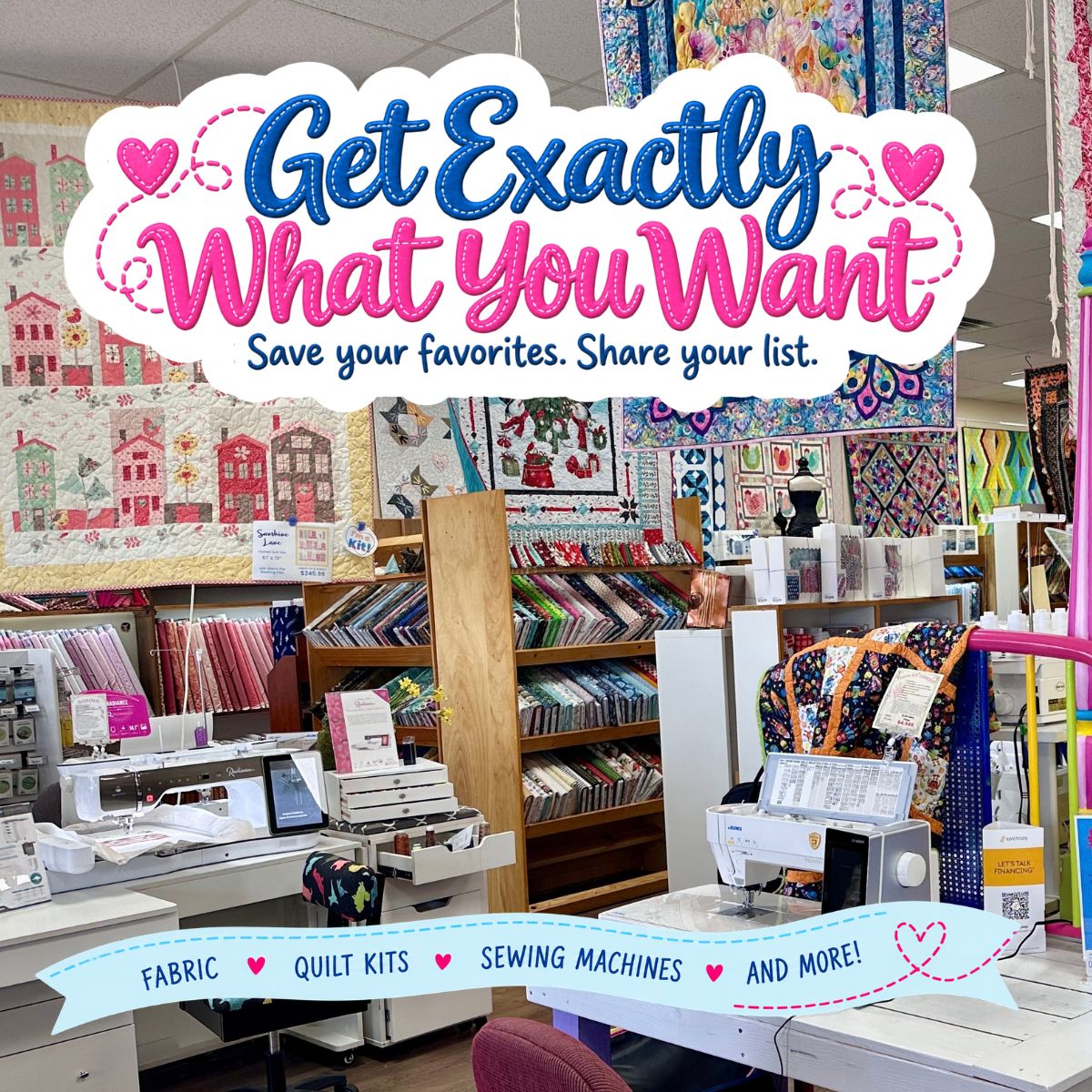
Have you been flirting with a beautiful quilt kit or a new sewing machine? With the holidays coming up, someone who loves you may soon ask, “What would you like?”
Now, “something for my sewing room” does leave quite a bit to the imagination, doesn’t it?
The Quilt Fairies have a little help for that! Our new Quilted Joy gift registry and wishlist let you save the exact kit, fabric, or quilting tool you’ve had your eye on, then share your list with your sweetheart or family. No one has to puzzle over which ruler you meant or try to remember the name of that beautiful bundle of blues.
Your favorite gift giver doesn’t have to know a thing about quilting. You choose your favorites. They get the fun of picking your present.
A gift registry is handy for holidays, birthdays, and other celebrations. A wishlist gives those “Oh, I’d love to make that!” ideas a home all year long. You can share either one.
Let’s get your list started!
First, Create a Gift Registry
-
Visit the Quilted Joy Gift Registry page and select Create Your Registry.
-
Sign in to your Quilted Joy account, or create an account if you don’t have one.
-
Follow the prompts to name your registry and enter your details.

Select Create Your Registry on the gift registry page to begin.
Or, Start a Wishlist
-
Visit the Quilted Joy Gift Registry page and select Start a personal wishlist instead. You can also find My Wishlist under My Account.
-
If you don’t have a wishlist yet, select Open Wishlist.
-
Browse our website. When you find something you like, open its product page and select Add to Wishlist beneath Add To Cart.

Select Open Wishlist to start your personal list.
Now Add Your Favorites Quilty Goodies!
Browse our website and open the product page for something you’d love. Beneath Add To Cart, choose Add to Registry or Add to Wishlist.

Look beneath Add To Cart on the product page to find the Add to Registry and Add to Wishlist buttons.
Choose Add to Registry to put the item on your gift registry for a birthday, holiday, retirement, or another celebration. This is the list you can point friends and family toward when they ask what you’d enjoy.
Choose Add to Wishlist to save the item to your personal list of favorites. It’s a handy place to keep track of a future project or that lovely fabric you don’t want to forget. You can share this list, too.
Keep browsing and add more favorites using the same buttons. The next time someone asks for gift ideas, you’ll know just where to send them!
Find & Share Your List With Santa
To return to your registry, visit the Gift Registry page and select My Registry. If you’re signed in, you can also choose My Account → Gift Registry, then select your registry’s name.

Find Gift Registry under My Account to return to your registry.
To see your wishlist, sign in and choose My Account → My Wishlist. You’ll find a link near the top of your wishlist that you can copy into a text message or email. You can also use the Email sharing button.
Both your registry and wishlist have sharing buttons. Open the list you want to share, then copy its link into a text message or use the Email button to send it to friends and family.

Use the sharing buttons on your registry or wishlist to send your list to friends and family.
Friends and family can also find your registry on the Gift Registry page by searching your first or last name. They don’t need an account to search.
Buying a gift for someone?
Select Find a Registry on the Gift Registry page, enter the person’s first or last name, and open their registry.
Choose an item from their list and follow the checkout steps. Items purchased through a registry are marked as purchased to help prevent duplicate gifts.
Visiting our Louisville store? Scan as you browse!
You can add items to your registry while shopping in person, too. Open My Registry on your phone. Tap open the barcode scanner, allow your browser to use your camera if asked, and point your phone at an item’s barcode.
Need help creating a list or choosing a gift? Call the Quilt Fairies at (502) 718-7148. We’re happy to help.

I’m Angela- Co-host of the Fons & Porter’s Love of Quilting PBS show. APQS Long arm Dealer and Educator. Triplet Momma. Designer. Thread Bimbo.



Leave a Reply